If you’re trying to use Pantone 7623 Solid Coated (as an example) in CorelDRAW but can’t seem to find it, you’re likely looking in the wrong Pantone library.
I ran into the same issue after searching through several Pantone palettes without any luck.
Solution
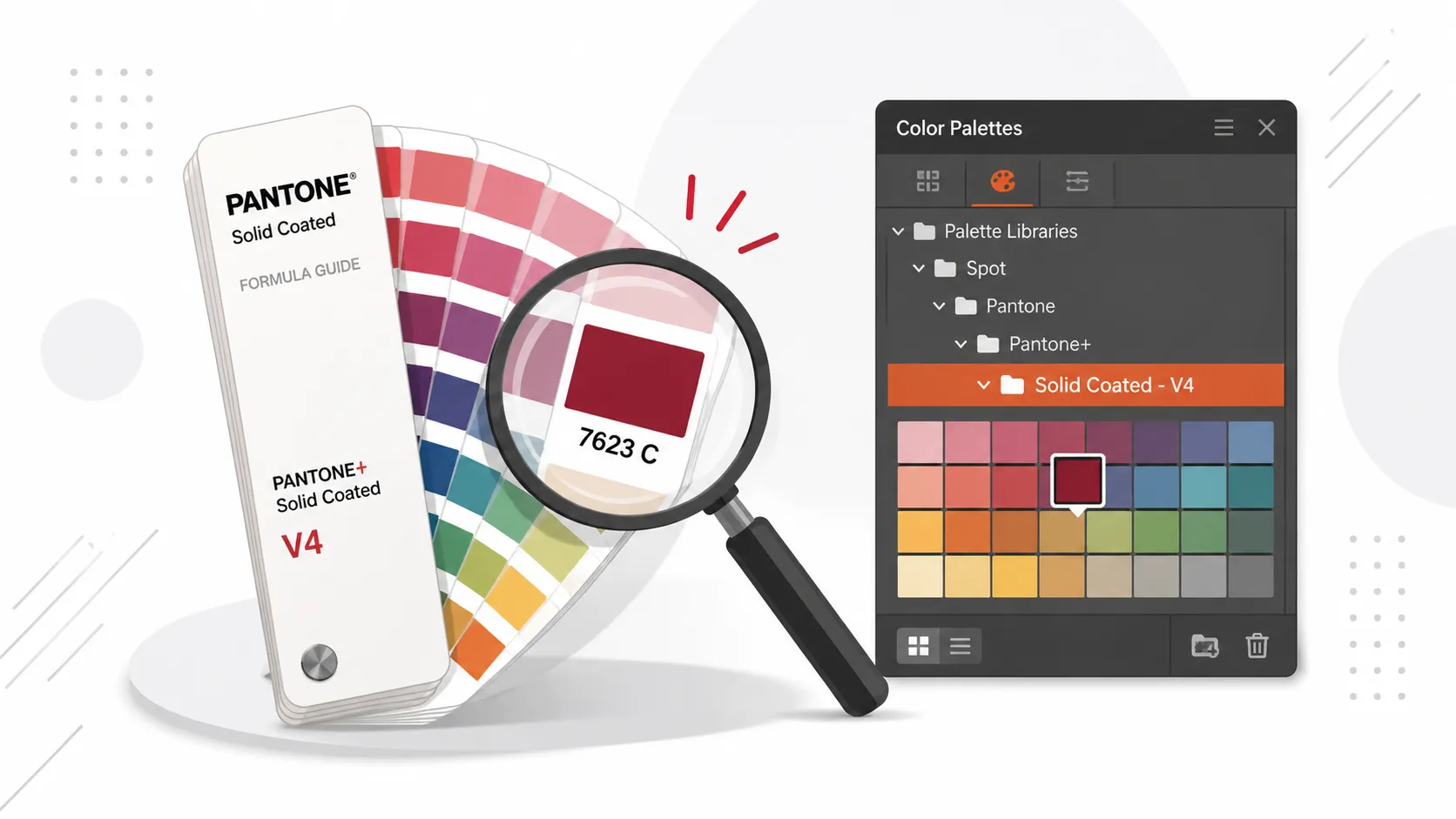
The color Pantone 7623 Solid Coated is located in the PANTONE+ Solid Coated V4 palette.
If you don’t see it, follow these steps:
- Go to Tools → Options → Global → Color.
- Under Spot Color Palette, select PANTONE+ Solid Coated - V4.
This step may not always be necessary, but enabling the palette ensures it becomes available.
After that, you can access the color by navigating to:
Color Palettes → Palette Libraries → Spot → Pantone → Pantone+ → Solid Coated - V4
From there, Pantone 7623 Solid Coated should be available.
Summary
If Pantone 7623 is missing, make sure you’re using the PANTONE+ Solid Coated V4 palette instead of one of the older Pantone libraries.
Hopefully this saves you some time!